Verizon Protect
Publicis Sapient for Verizon • 2025
Product design for Verizon Protect, a security app with 1.1M+ users, across four projects in 2025.

Four projects, one app
Verizon Protect gives people a lot of protection in one app. Across four projects, I worked on making it easier to discover, turn on, and trust. An App Clip introduces new people to Verizon Protect and its features. A showcase piece highlights the app’s capabilities and recent updates. And for the app’s refresh, Secure Connect brings its core protections together in one place, built on new components I designed within Verizon’s design system.
- RoleSenior UX/UI & Product Designer, contract via Publicis Sapient
- ProjectsApp Clip · Secure Connect · Design system · Motion
- PlatformsiOS and Android
- Worked withProduct, UX Research, Engineering, Content, design leadership, client stakeholders
The app grew one initiative at a time, and it showed.
- People knew the features existed but didn’t finish setting them up
- Valuable security features were hard to turn on
- Onboarding didn’t make the value clear
App Clip
One scan, the right next step
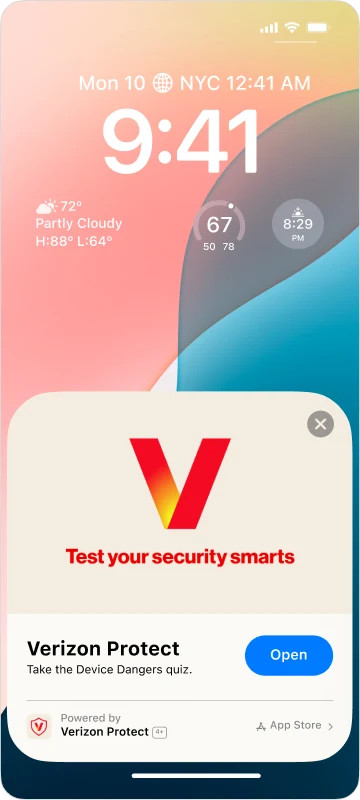
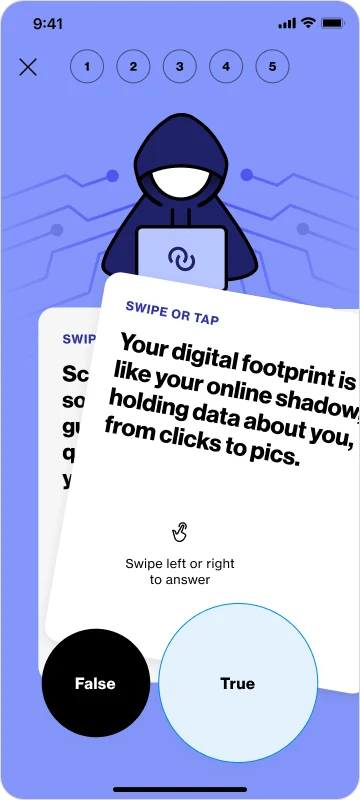
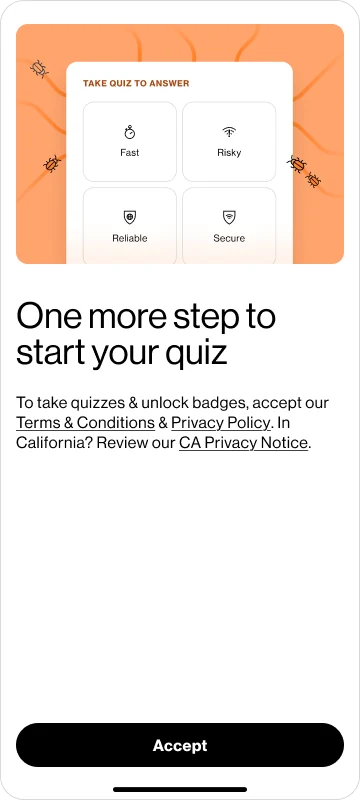
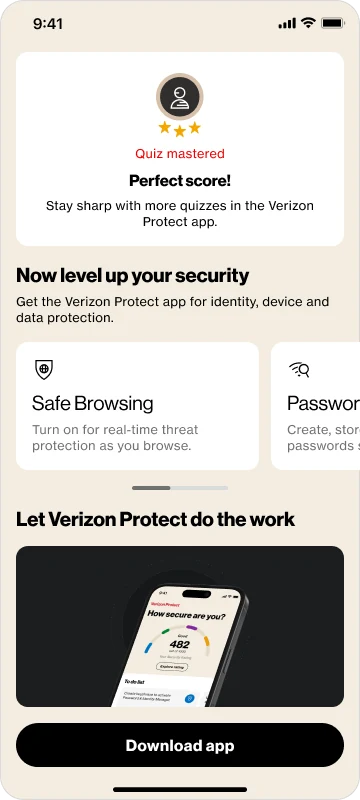
Verizon wanted an in-store QR code to bring new people into Protect, especially on iPhone, where the app isn’t preinstalled. I designed the flow behind that scan, so each person lands on the right next step: an App Clip quiz for new users, onboarding for people who never opened the app, and their next quiz for everyone else.
Secure Connect
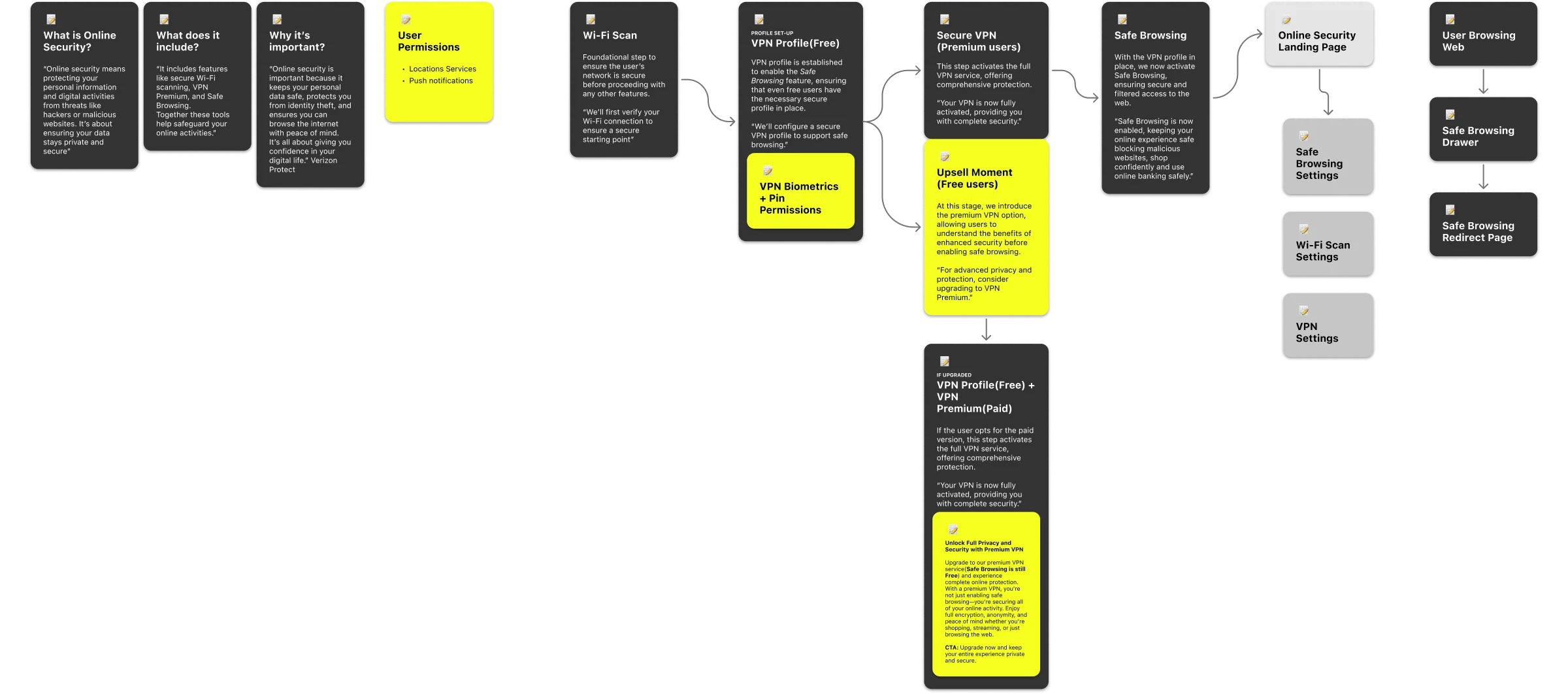
Secure VPN, Wi‑Fi Scan, and Safe Browsing came together as one feature, Secure Connect. I designed it end to end: onboarding, setup, the landing page, and the logic underneath.
Activation logic
I mapped the decisions and dependencies behind turning each feature on, so protection could be activated safely without adding friction.
Three tools, one mental model
Verizon’s direction was to bring Secure VPN, Wi‑Fi Scan, and Safe Browsing together as one feature. I designed how that works for people, so they can tell when they’re protected, what’s running in the background, and what to do next.
One page, three answers
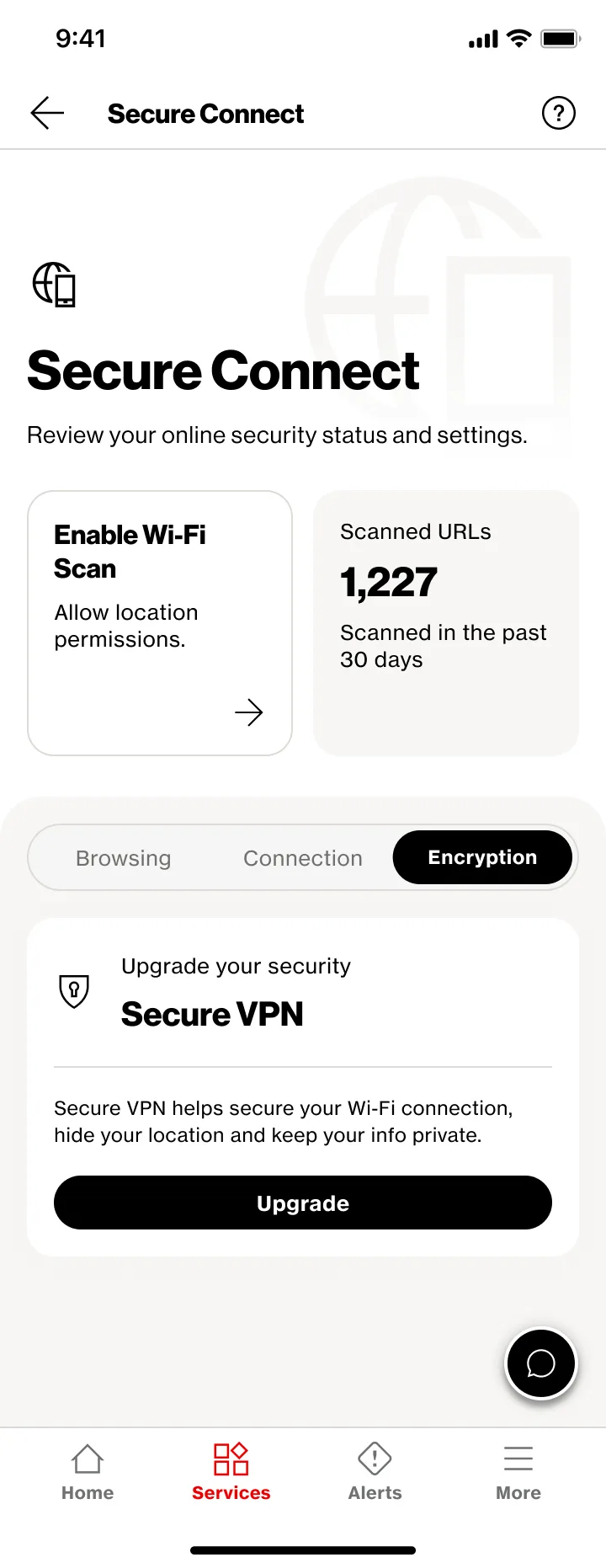
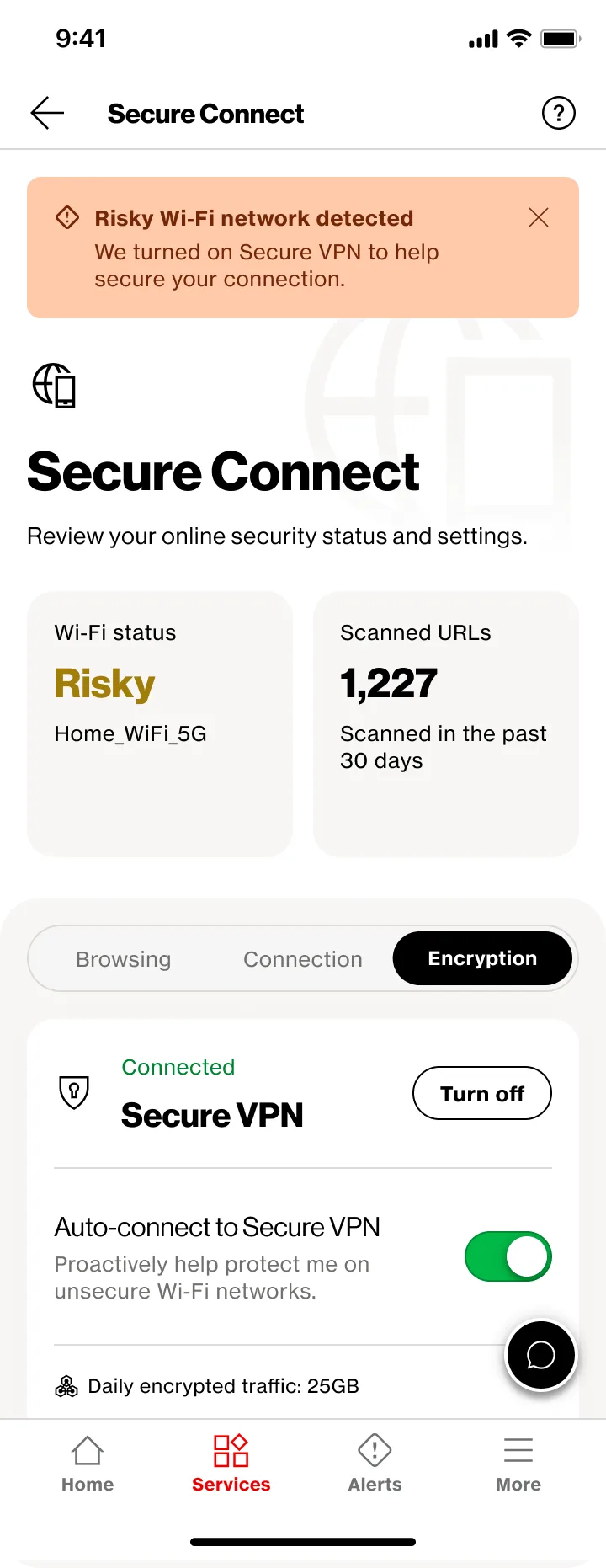
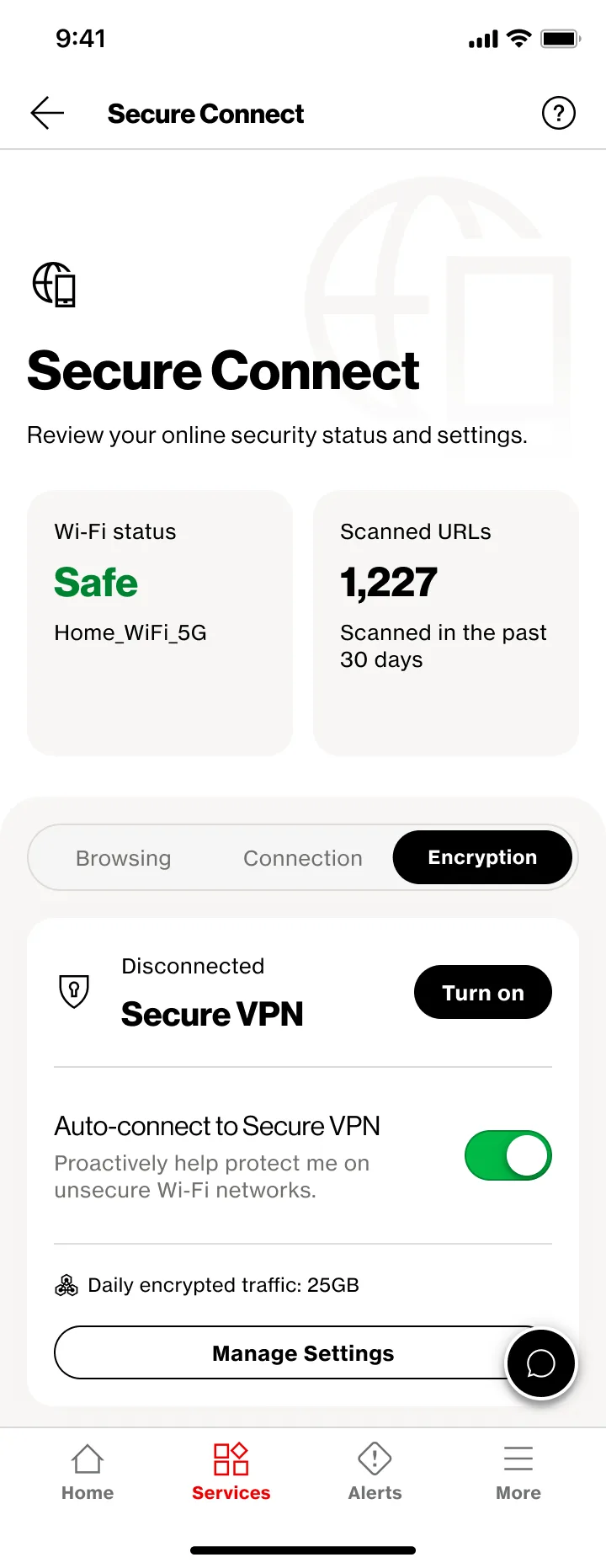
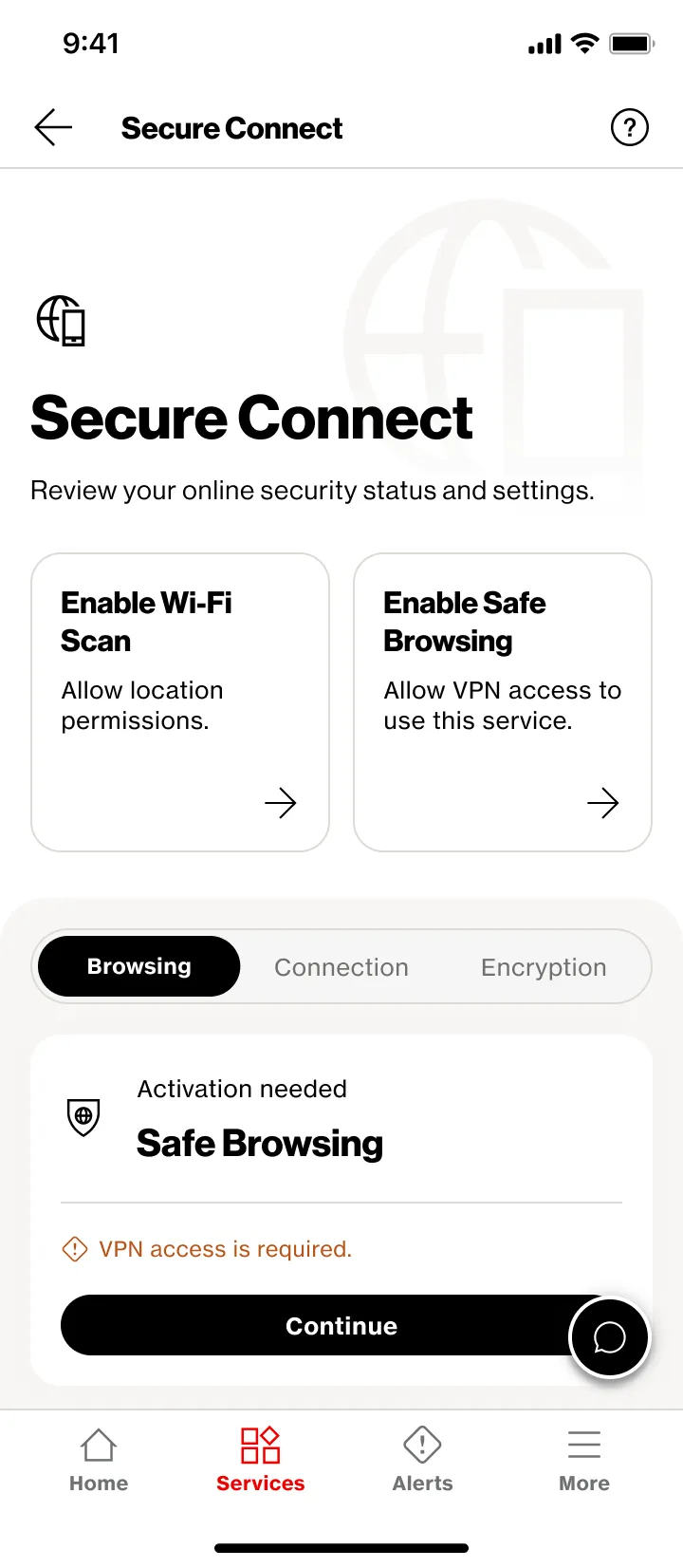
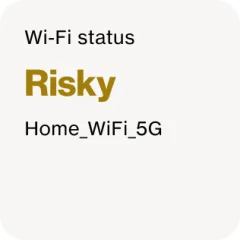
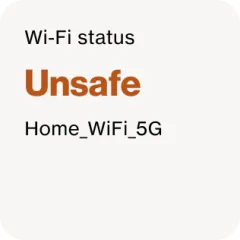
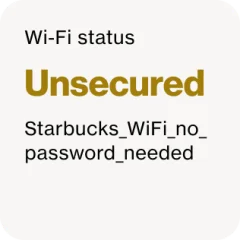
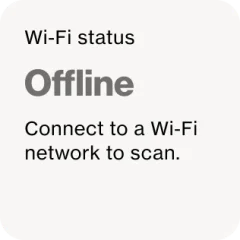
The landing page answers what people came to check: am I protected, what is running, and what should I do next. Two status tiles sit up top, one tab per feature below, and the copy changes with the network and the plan.
How the app responds
The same risky network gets a different answer depending on what someone has turned on. Warnings appear only when a person is actually exposed.
- No VPN access yet
- Asks them to activate
- Secure VPN off
- Asks them to turn it on
- Secure VPN on
- Stays quiet. They’re already protected
- Auto-connect on
- Turns the VPN on, then tells them
Every state, drawn
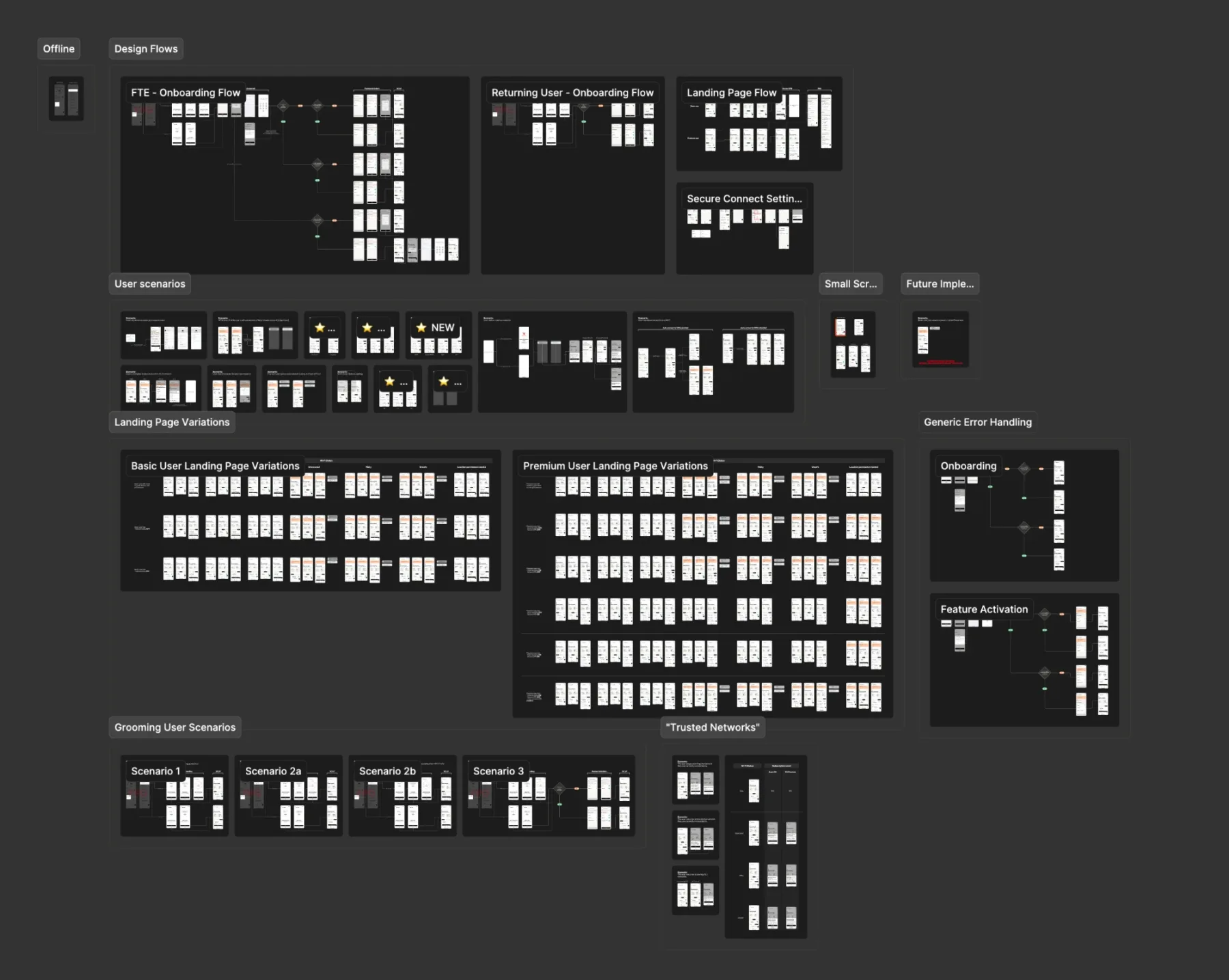
Engineering builds from the full set, so I drew every combination of plan, network status, and setup: flows, scenarios, error handling, and every landing page variation. The file came to more than 300 screens, about 190 of them landing page variations.
No dead ends
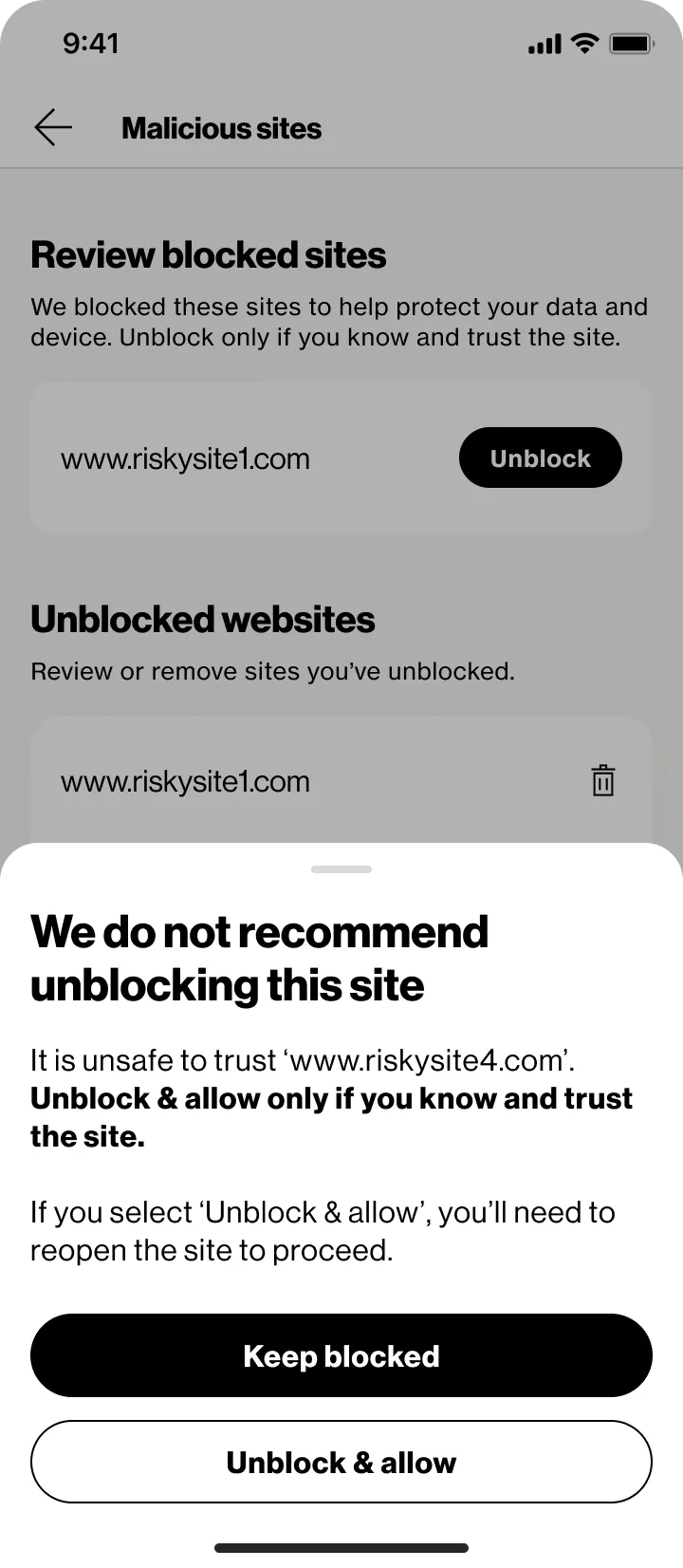
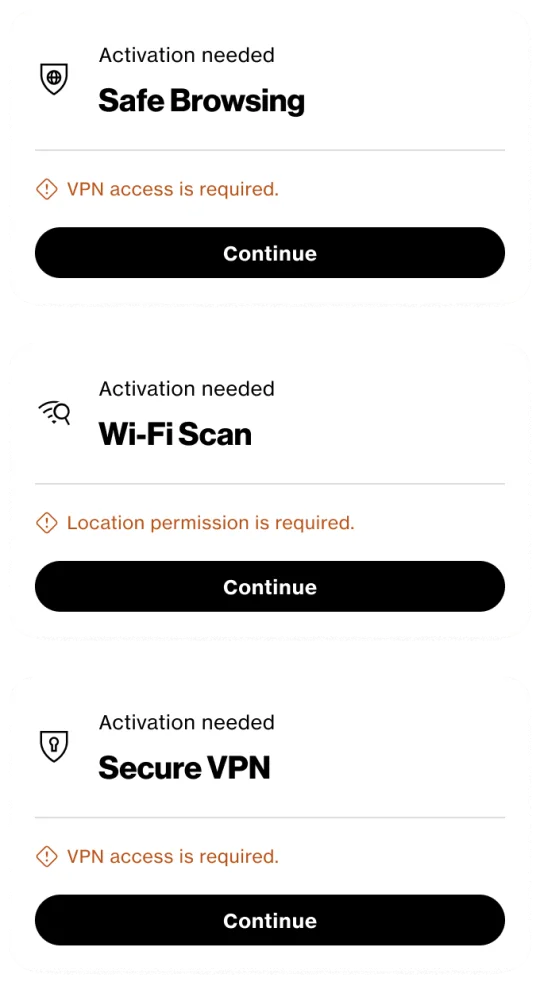
If someone declines a permission or setup fails, they still land on a working page. What worked stays on, and what’s missing becomes a tile that explains why and leads back into setup. When a choice carries risk, like unblocking a flagged site, the safe option is the primary button.
Design system
New components, from Monarch’s foundations
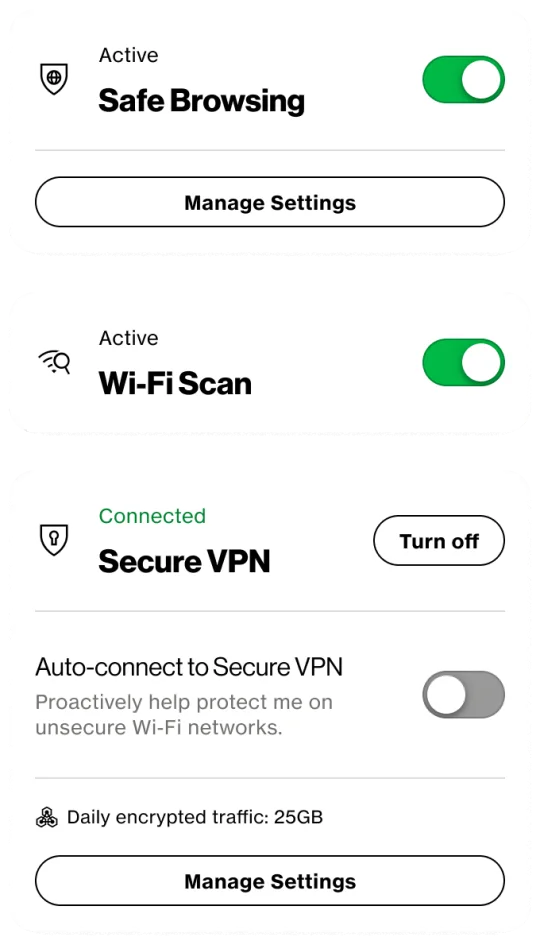
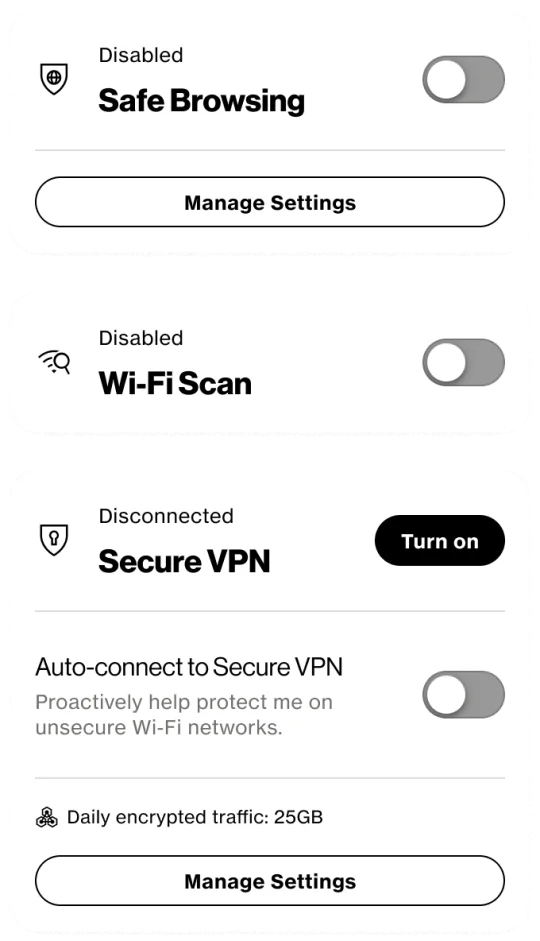
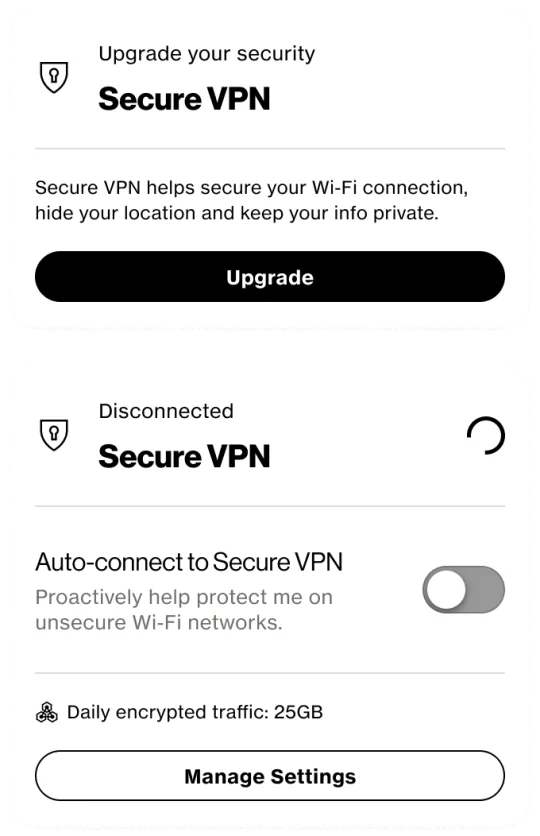
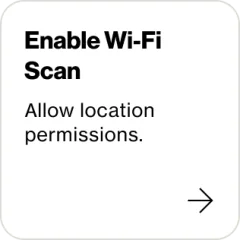
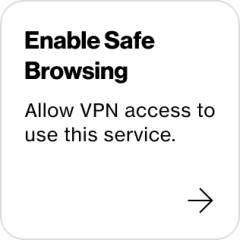
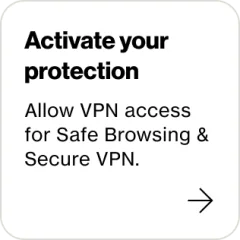
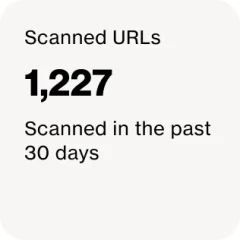
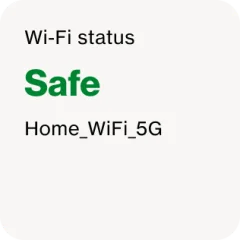
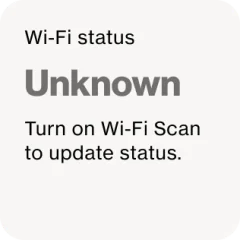
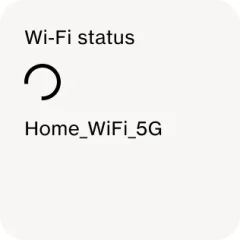
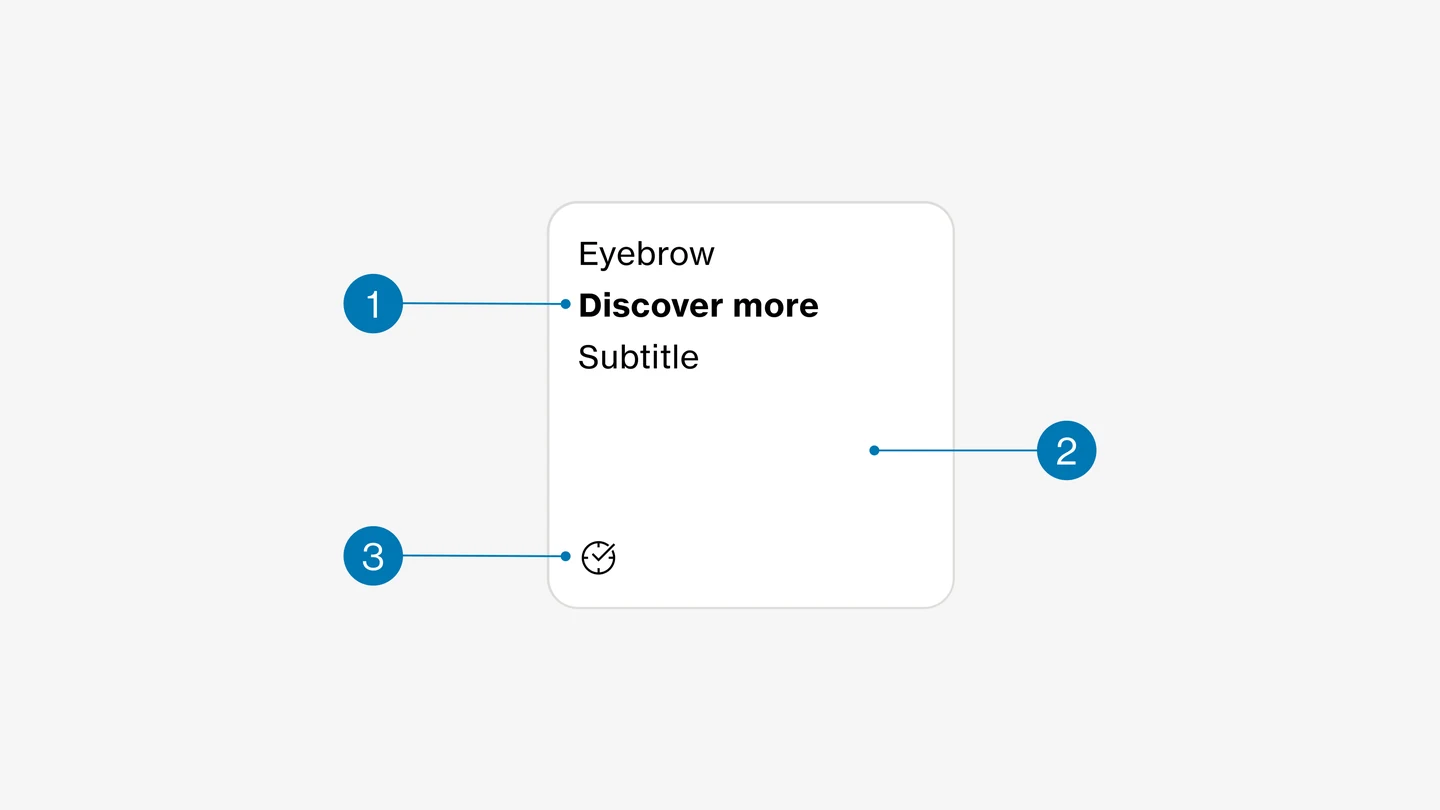
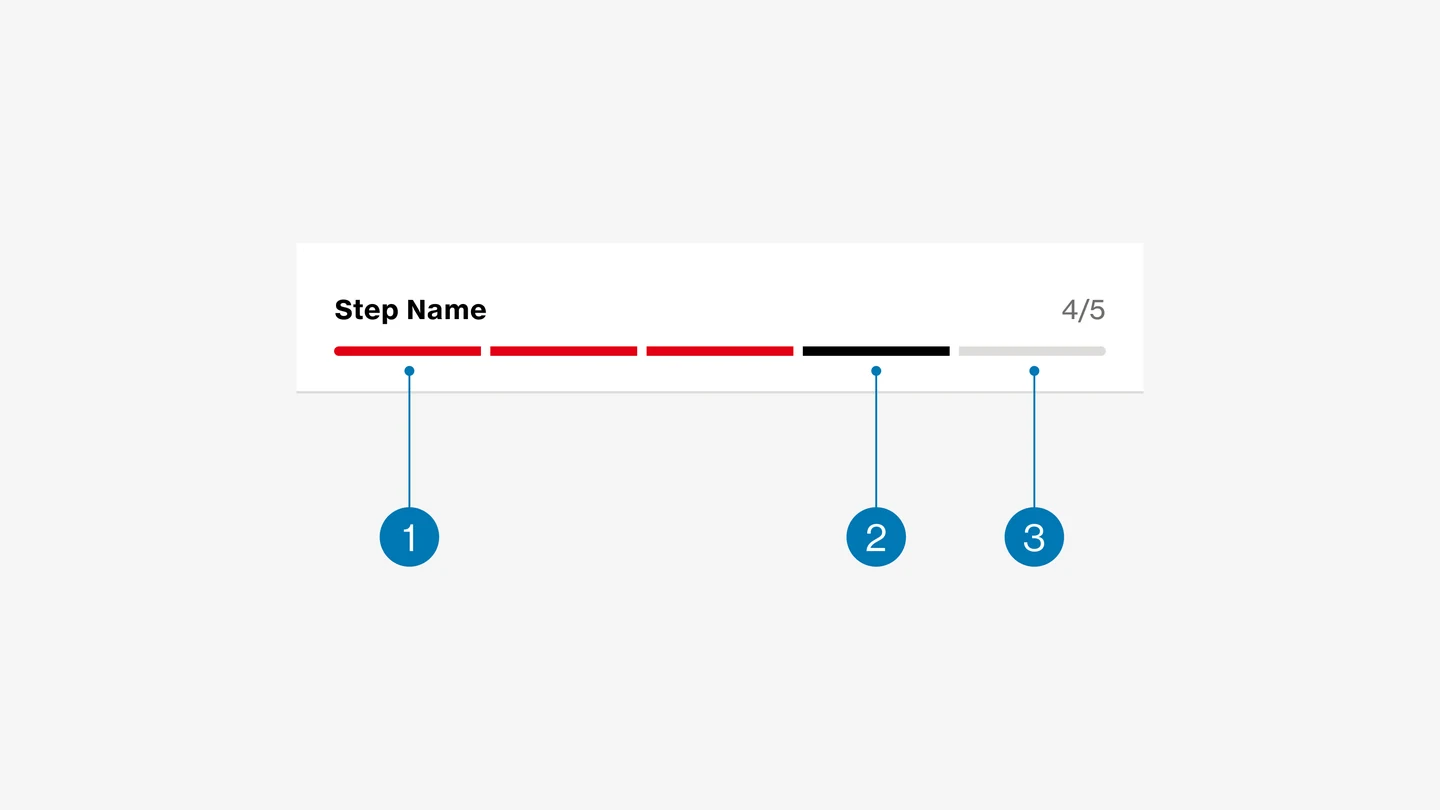
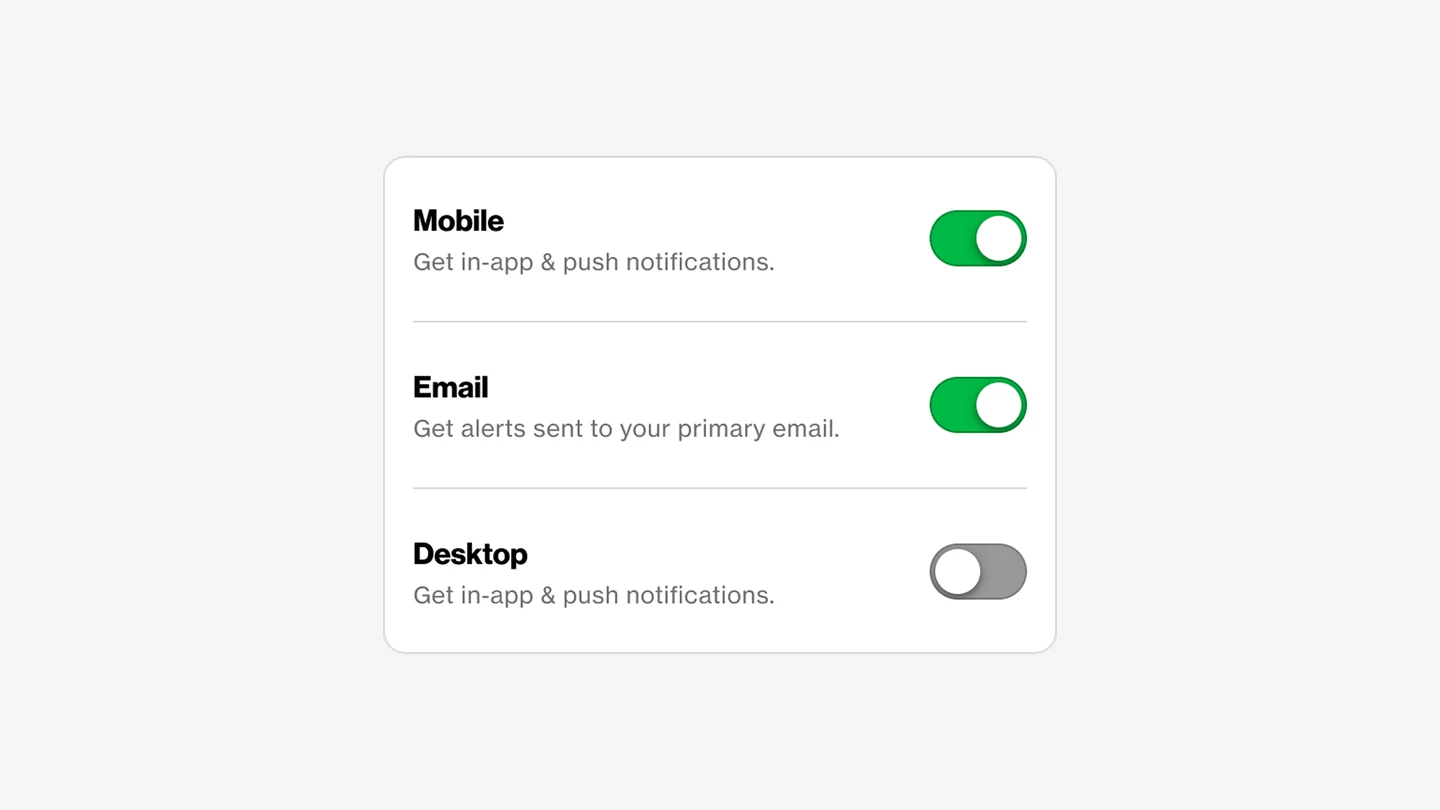
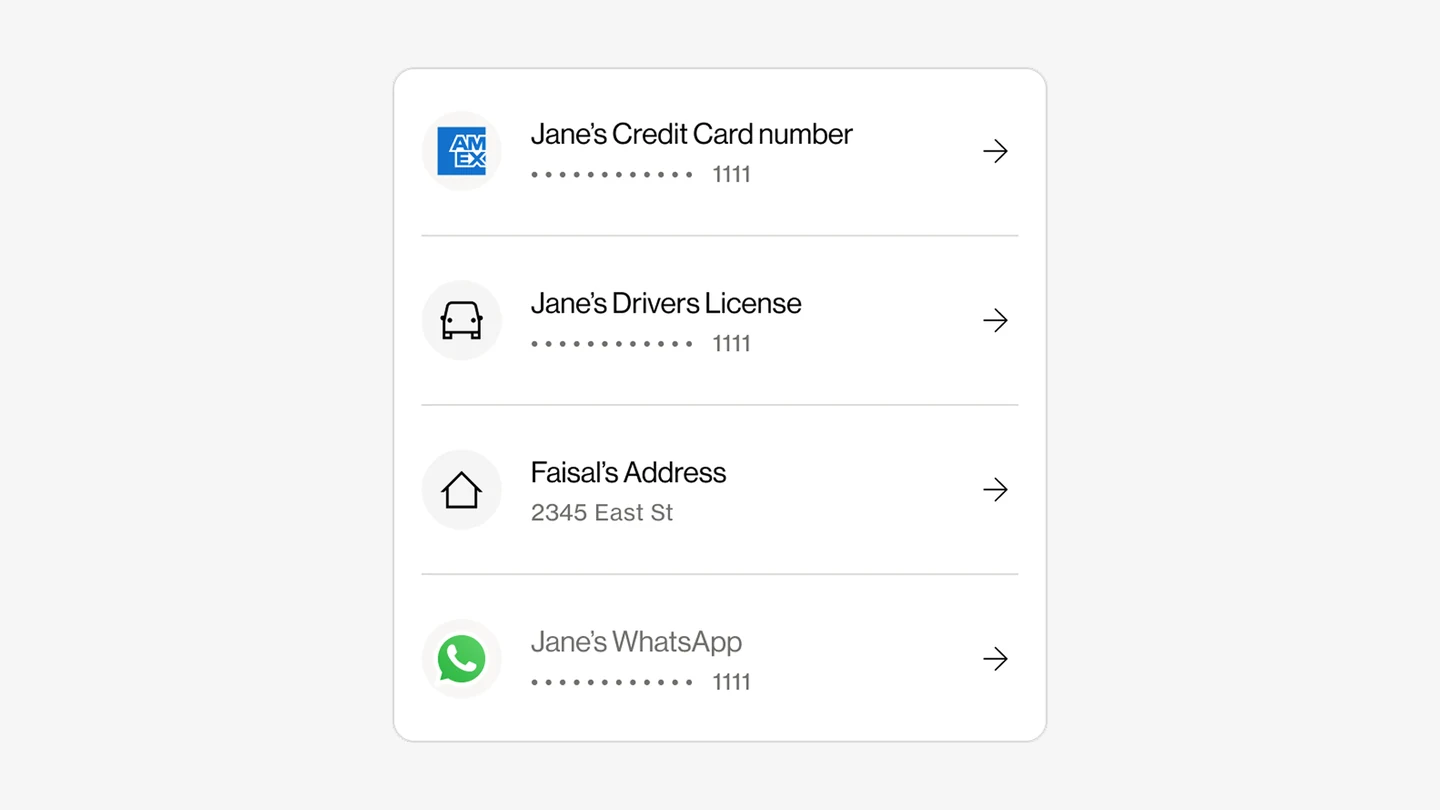
Verizon’s Monarch design system didn’t cover what Secure Connect needed. I flagged the gaps to the Monarch team and designed new components from its tokens and primitives: a feature module that handles every state, and a set of status tiles for Wi‑Fi and browsing.
Built to be reused
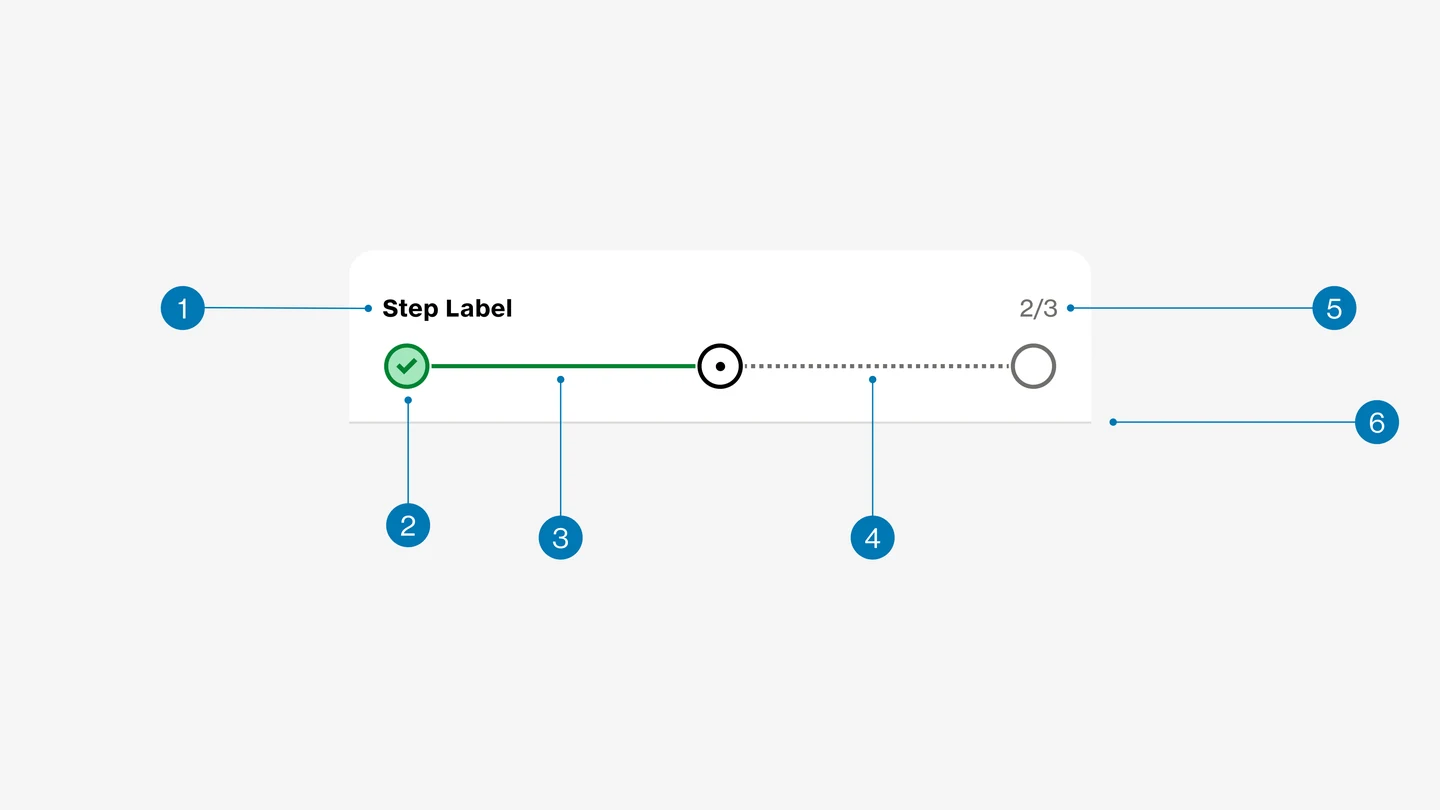
With the new components in Monarch, I was part of the team that documented them: usage, interaction patterns, and edge cases, reviewed with Verizon’s design system team and design leadership, so feature teams could build consistently across platforms.
Motion and storytelling
Feature showcase
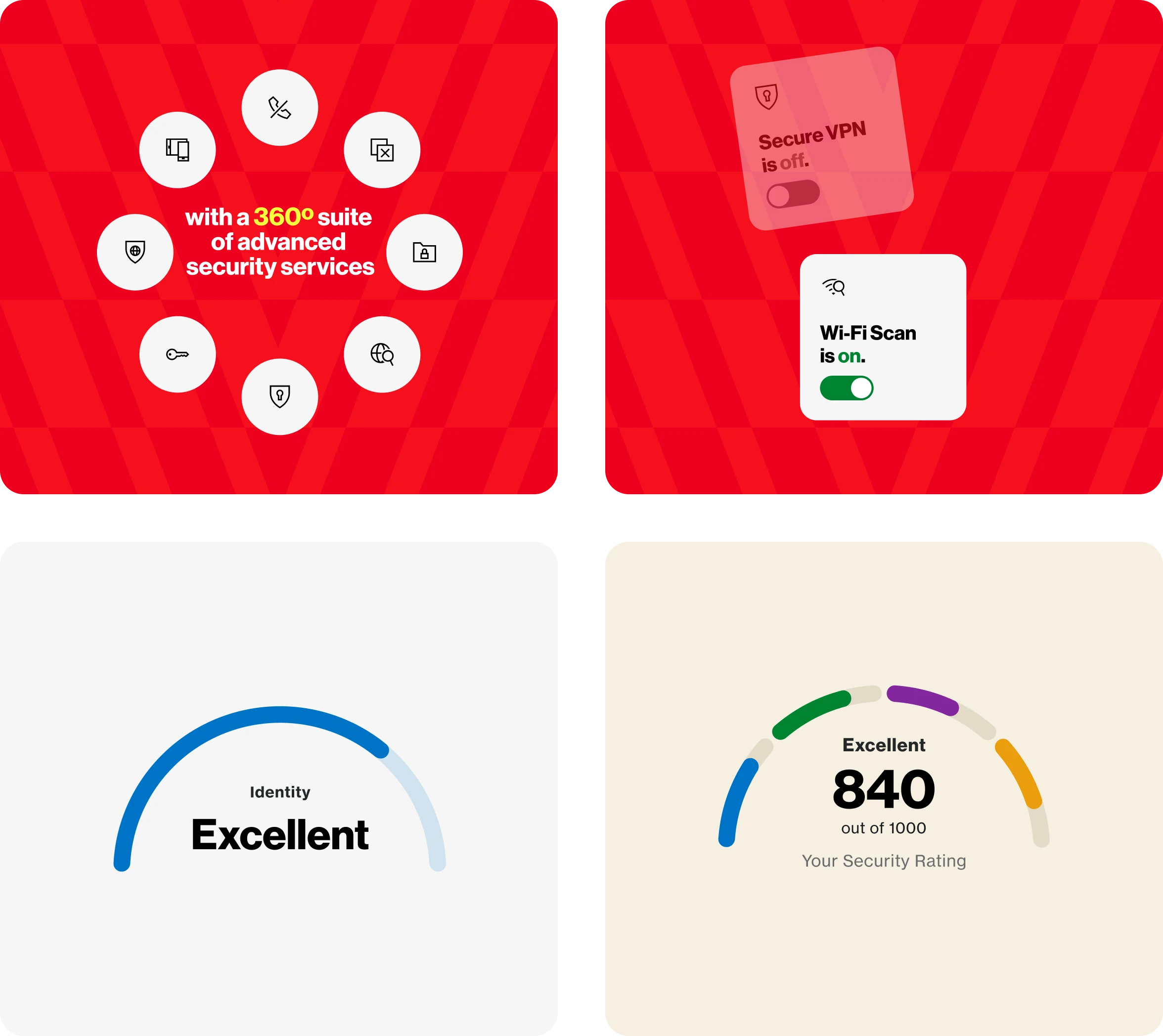
I storyboarded and produced a feature showcase in Jitter, using motion to explain protection status and feature value more clearly than static screens could. It ran in internal presentations and external-facing contexts.
Storyboards
Frames designed to clarify protection status and build trust through intentional transitions.
One security companion
The refresh positioned Verizon Protect as one security companion, with clearer feature discovery and stronger activation flows. The new experience, including Secure Connect, launched in April 2026.